CH 1
Be right back
A card for when you step away. Your words, your colours, your name tag.
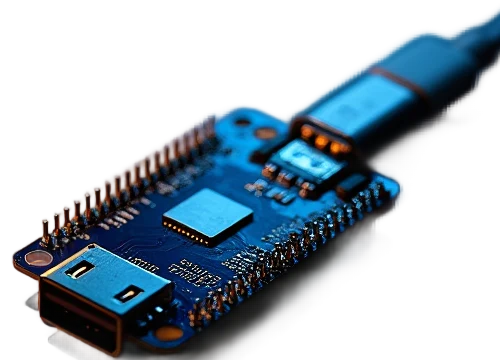
A thumb-sized board every computer sees as a real webcam. You pick what it shows, from any browser.
Plug it into any computer and it appears in the camera list next to the built-in one, under the name you gave it. Zoom, Meet, Teams, OBS and the camera app see a USB webcam, because that is what it is. Nothing is installed on the computer.
Scroll, or press a key on the remote. The tile in the red frame is a joy.cam: the other three people only ever see a webcam.



A sample call: the three people are illustrations. The joy.cam tile plays real output from joy.cam's renderer.
Every channel renders at exactly the size the call opened, and only while somebody is watching.
A card for when you step away. Your words, your colours, your name tag.
A headline, a running ticker, a LIVE bug and a clock.
Any time zone, always right, down to the second.
A live countdown to the minute you go on.
A slow gradient and one line of text.
Paste a link. The camera plays it and loops it, sound on the microphone.
A video, a GIF or a picture, fitted to whatever size the call asked for.
Share a screen, point a phone camera, type a line, draw on a whiteboard.
Colour bars and a running timecode, for checking a setup.
Sound has its own dial: the picture can be a card while the microphone plays a song, another video's soundtrack or your real voice.
No soldering, no app. A board, a data cable, and Chrome or Edge on any computer for the one-time setup.

Any S3 with a native USB-C port and 4 MB flash: Mini, Zero or SuperMini. The ones with 2 MB PSRAM (most of them) add 720p.

A short one keeps the board tucked behind the screen. A charge-only cable is the usual reason a board is "not seen".
Web Serial does the flashing. After that, any browser on any device, phone included, runs the camera.
As an Amazon Associate joy.cam earns from qualifying purchases; other store links may pay a small commission at no cost to you.
Put your name on it and pick the first thing it shows. It is waiting in the setup when you get there.